
Earnings Radar
A report-season command center for deciding which events deserve attention before, during, and after the numbers land. Prioritize the queue, compare EPS expectations against the print, review guidance and reaction, then preserve the follow-up workflow.
Create an account to unlock Earnings Radar.
Earnings research should explain what deserves attention.
Earnings Radar connects the date, the expected numbers, the reported result, the guidance context, the first market reaction, and your saved follow-up workflow in one place.
Know What Reports Next
Screen upcoming reports by timing, fiscal period, estimate coverage, guidance context, watchlist state, and report window.
Separate Beats From Market Reactions
Compare EPS surprise, reported revenue actuals when sourced, and first-session market reaction so a headline beat does not get confused with a tradable response.
Keep Sources Beside The Thesis
Open the analyzer panel for source-linked news, guidance updates, reaction windows, takeaways, and risk notes attached to the exact event.
Let Screens Keep Watch
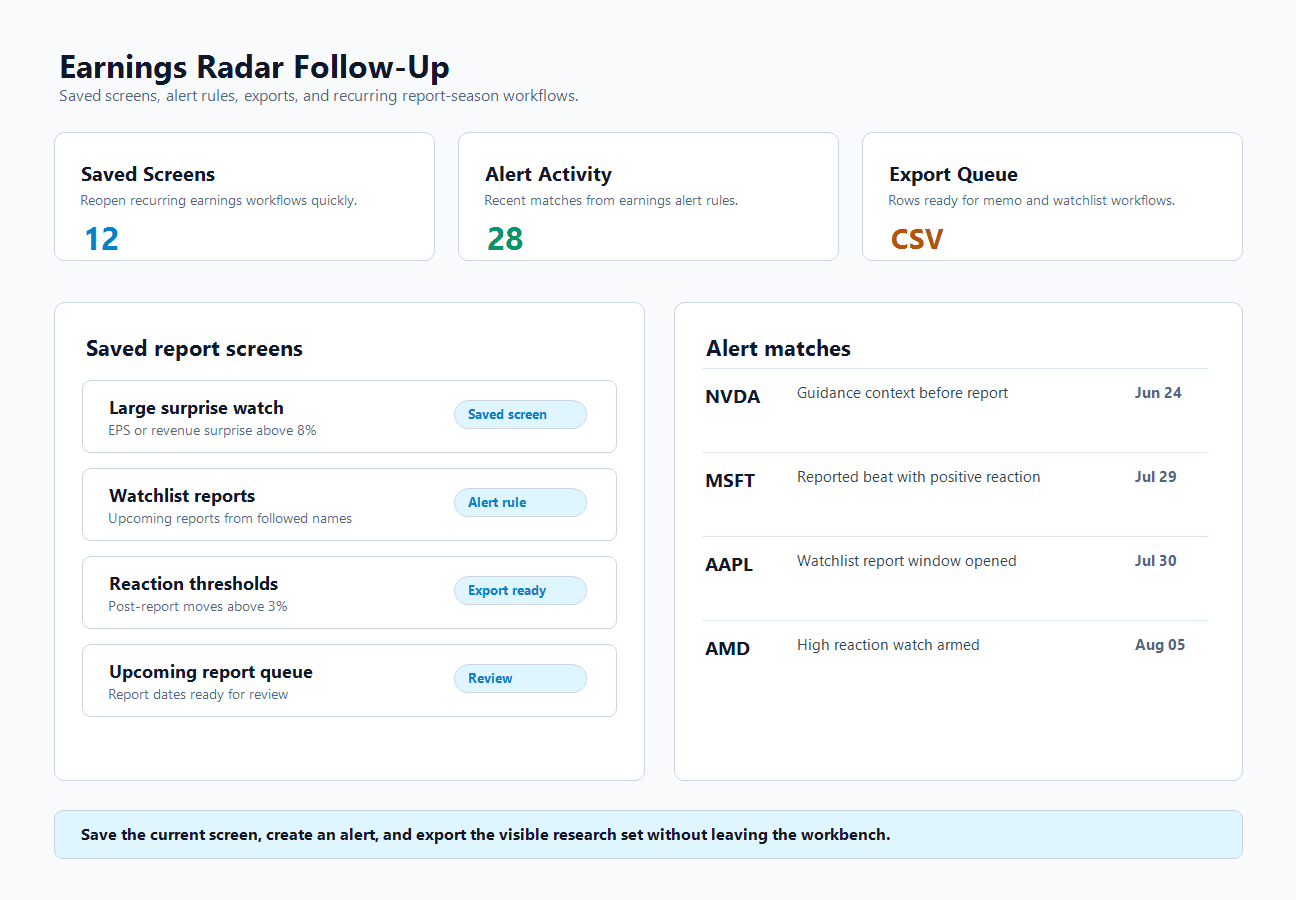
Save earnings screens, create alert rules, and export rows so recurring report-season research does not need to be rebuilt every session.
Find The Reports That Deserve Follow-Up
Search by ticker or company, then narrow to rows with estimates, actuals, guidance, watchlist matches, or reaction thresholds.
Turn A Screen Into A Research Routine
Preserve the exact query, reopen it when earnings season moves, and keep the exportable list connected to the same evidence.
The problem
A date-only calendar does not explain the research priority.
Knowing that a company reports tomorrow is only the starting point. The real question is whether the event has estimates, guidance context, watchlist relevance, source coverage, and a reaction worth tracking.
The response
Every event becomes a compact research packet.
Earnings Radar keeps the report date, timing, EPS estimates, reported revenue actuals when sourced, company guidance, reaction windows, source trail, and analyst-style takeaways in one row-to-panel workflow.
The payoff
Report-season workflows become repeatable.
Save the exact screen, create alerts for future matches, export the current set, and return to the same operating view before and after the numbers land.
Built around the full earnings cycle.
Earnings Radar is designed around the work that happens before the report, at release, after the reaction, and when the next screen needs to be reopened.
Build the watch queue before numbers land.
Use upcoming windows, watchlist matches, EPS estimates, timing, and guidance flags to decide which reports deserve preparation.
Compare EPS expectations against the reported print.
Review EPS, reported revenue actuals when sourced, surprise percentage, fiscal period, and source notes in the same event packet instead of stitching tabs together.
Separate the headline from the market response.
Use post-report reaction windows and generated takeaways to spot when the price move confirms or contradicts the reported numbers.
Keep the screen alive after the session ends.
Save recurring screens, arm alerts, export the current set, and return to the same workflow when the next report window opens.
From report date to source-backed follow-up.
Earnings Radar is not a static list of dates. It is a screen, analyzer, alert surface, and export workflow for the exact reports you care about.
Start With A Real Earnings Workbench
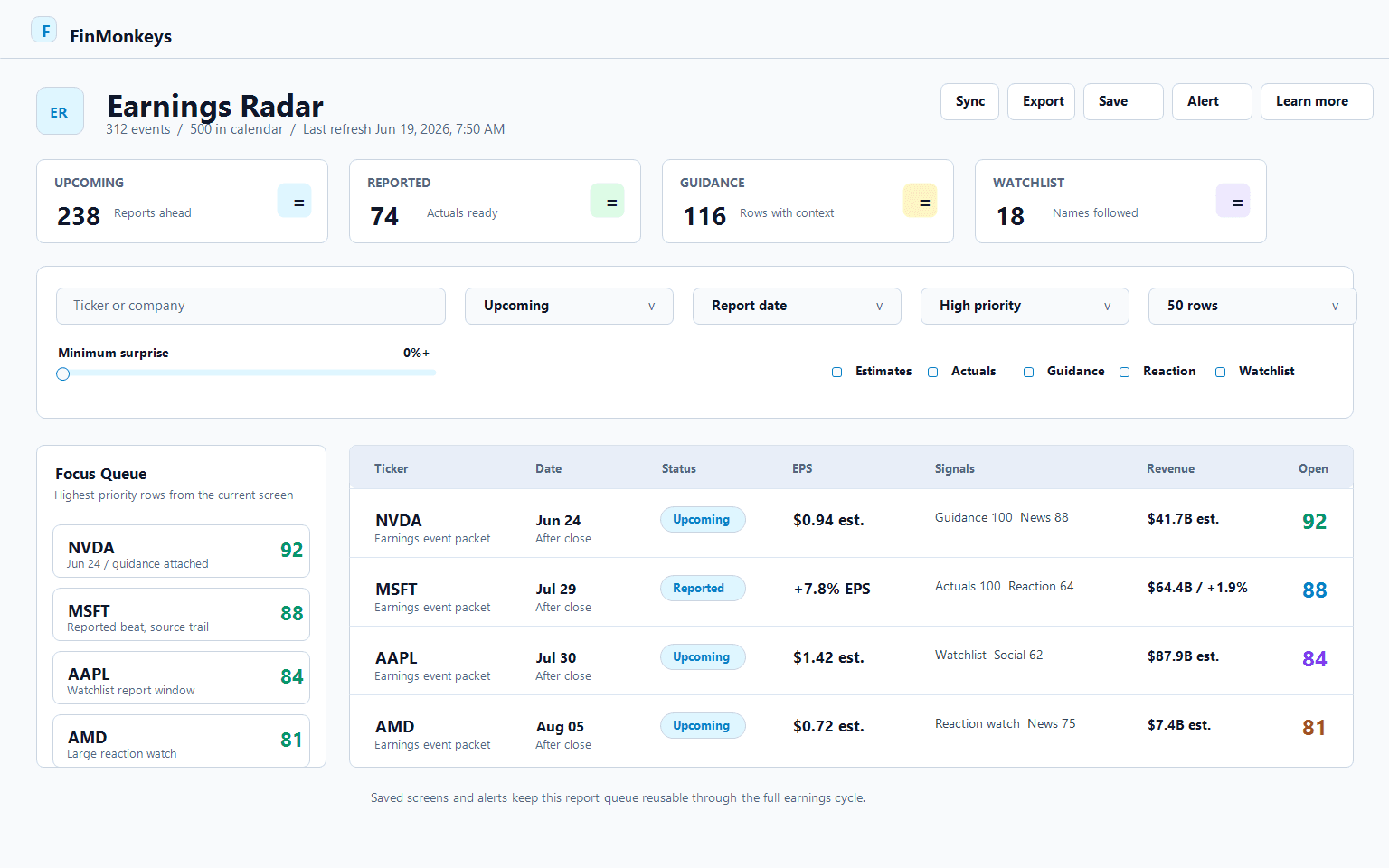
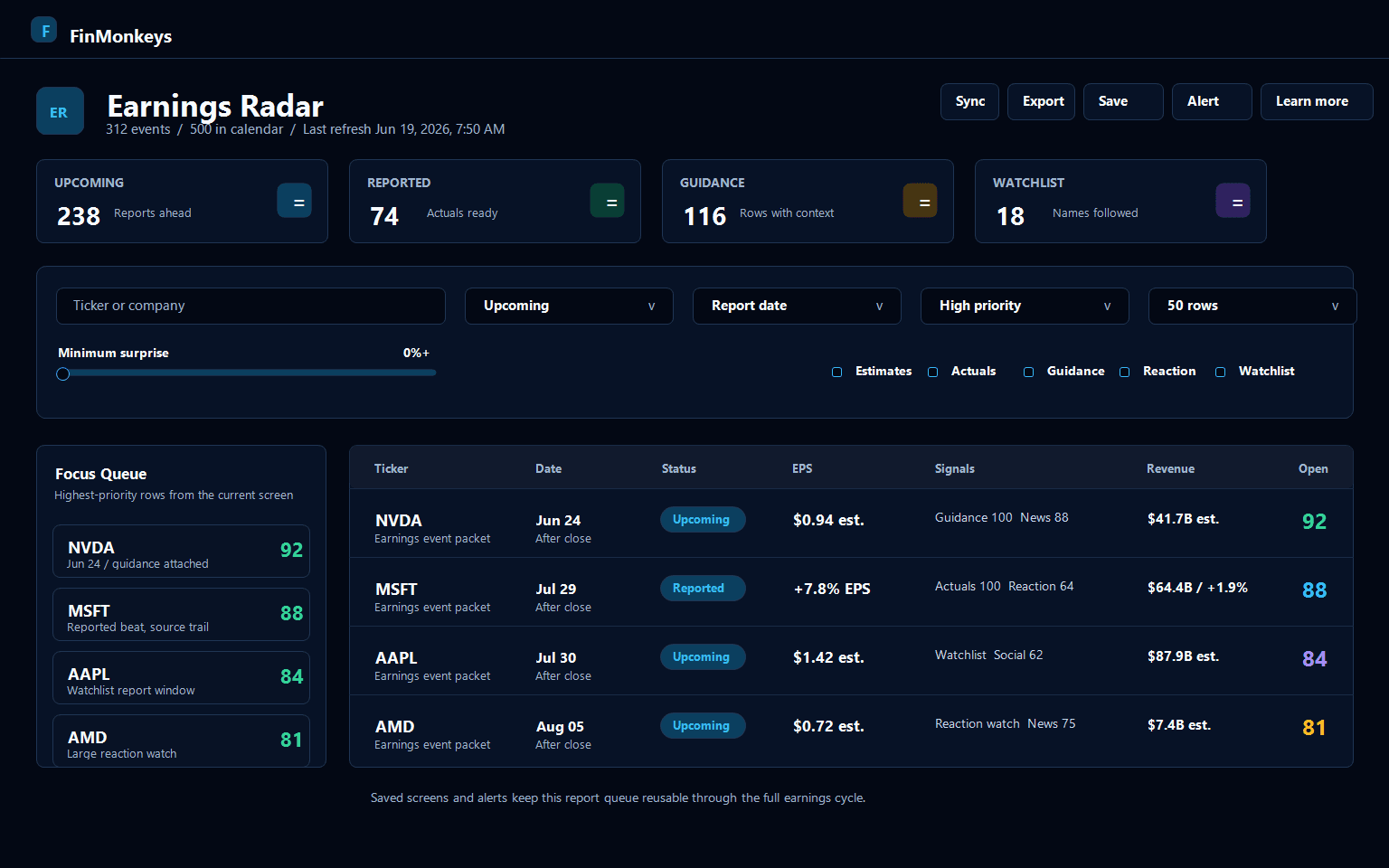
The workbench keeps upcoming reports, reported events, guidance context, watchlist matches, focus rows, and export-ready research in one operating view.
- Screen upcoming and reported rows from the same surface.
- Prioritize events with EPS estimates, actuals, guidance, reaction, or watchlist relevance.
- Use the focus queue for the highest-priority rows in the current screen.
Open The Event Detail Before Trusting The Headline
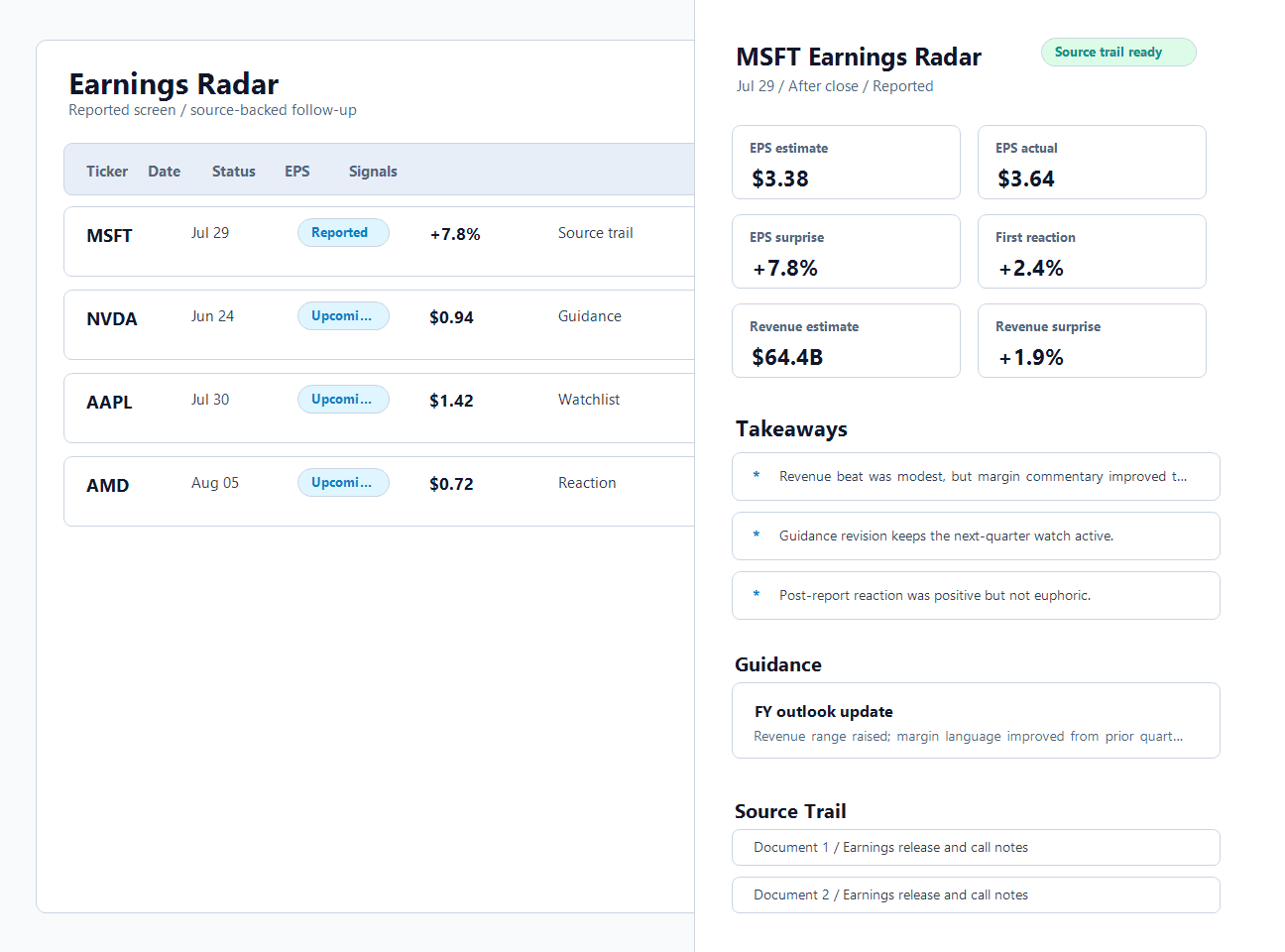
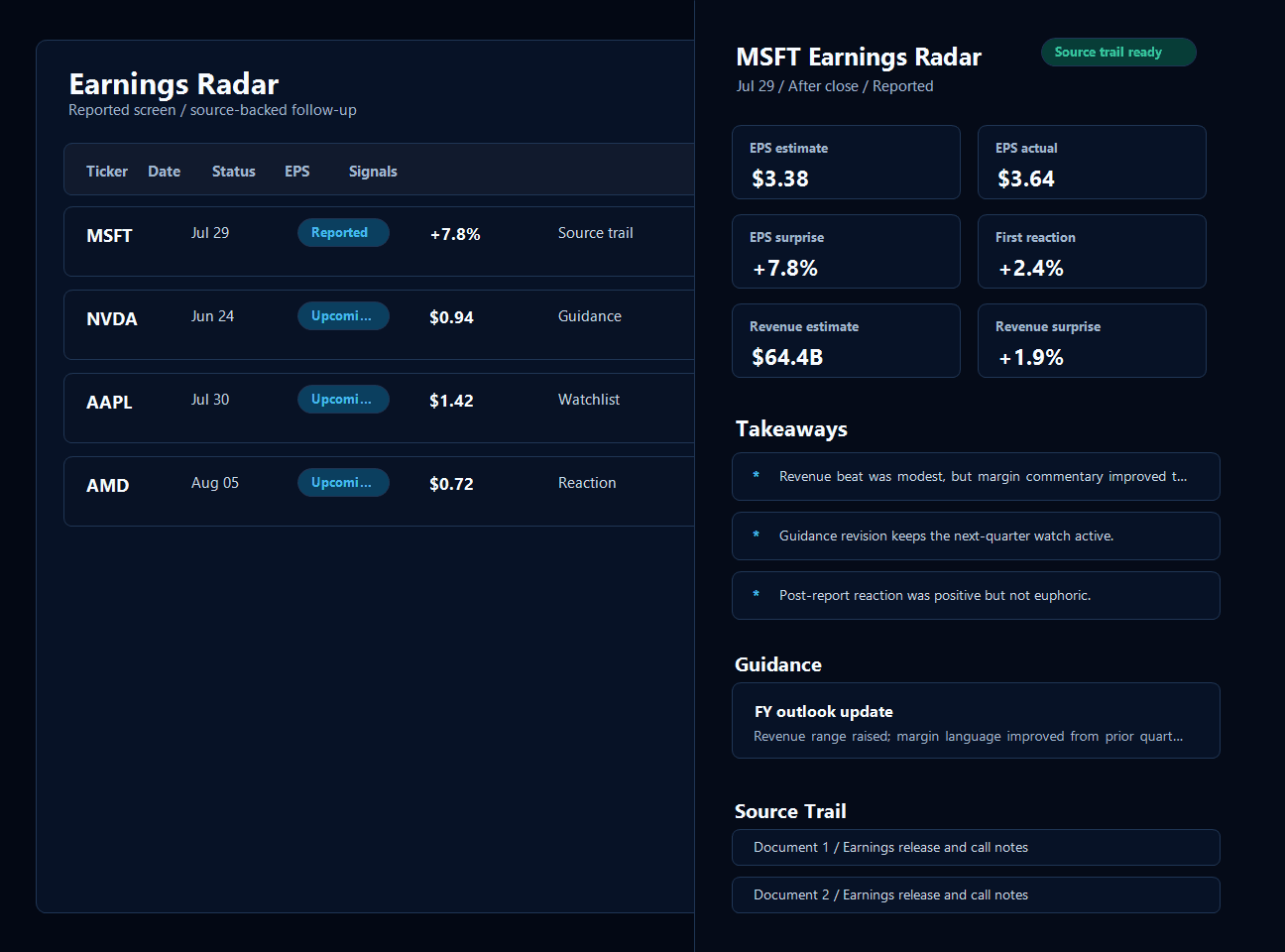
The detail panel keeps EPS estimates, actuals, surprise, reaction, company guidance, takeaways, and source trail attached to the exact report being reviewed.
- Compare EPS surprise and reported revenue actuals against market reaction.
- Read takeaways without losing the underlying source trail.
- Keep guidance and reaction windows visible beside the event summary.
Save The Workflow Before Earnings Season Moves On
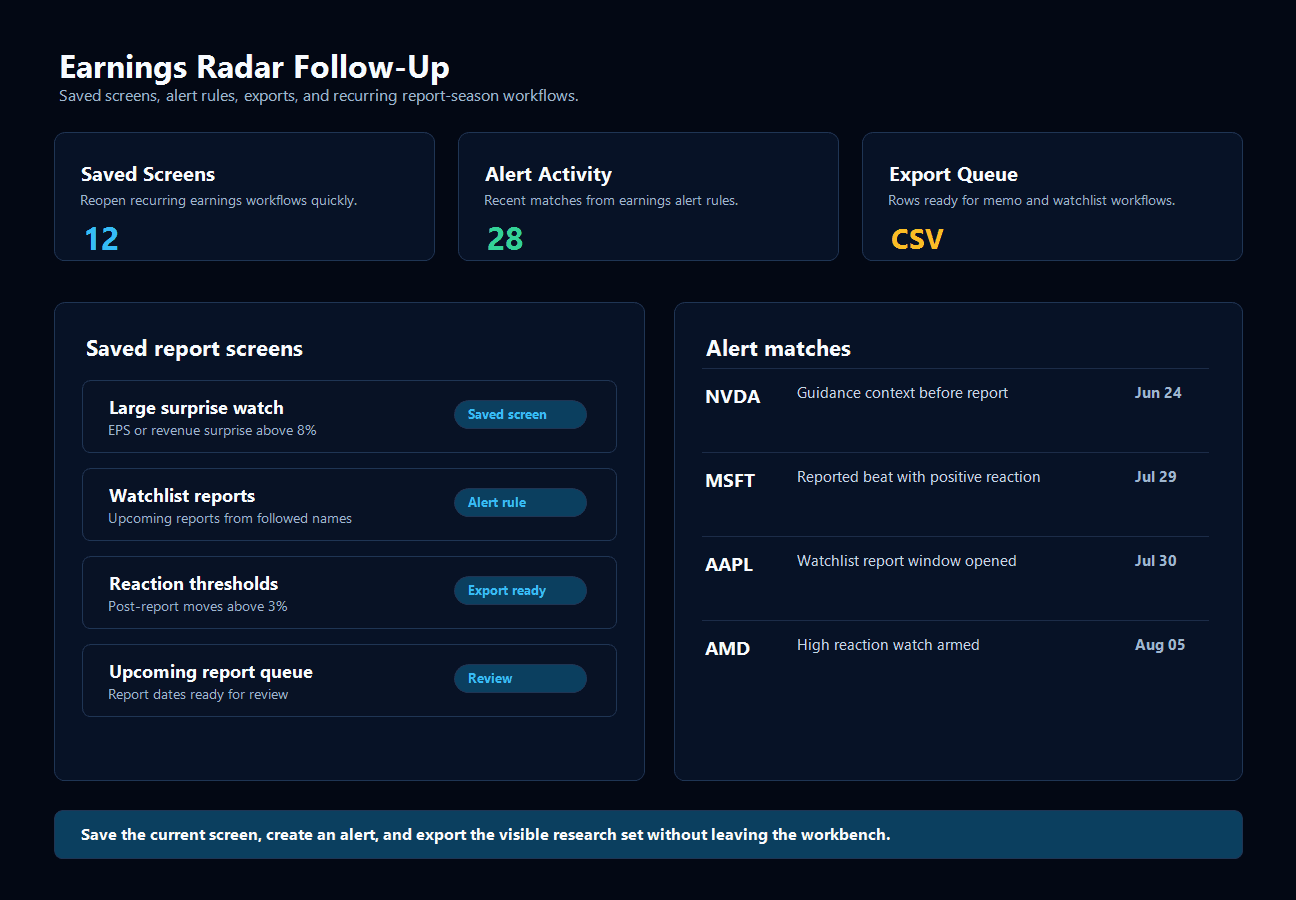
Saved screens, alert rules, and export workflows keep report-season research reusable instead of forcing the same filter setup every morning.
- Save report-window screens for recurring review.
- Create alerts for future report dates, surprise thresholds, reaction thresholds, and watchlist matches.
- Export the visible research set for portfolio, watchlist, or memo workflows.
Estimate vs. actual
See EPS surprise and sourced revenue actuals beside event timing.
Reaction windows
Review pre-report and post-report market moves.
Watchlist focus
Keep followed names visible in every screen.
The calendar becomes an operating surface.
Use Earnings Radar before the report, during the event window, and after the market reacts.
"Earnings Radar turns the calendar into a research queue: what reports next, what changed, and which events deserve a second pass."
"The value is not just the date. It is the connection between EPS expectations, reported numbers, guidance, reaction, and source-backed follow-up."
Build the earnings workflow you can return to
Save screens, create alerts, export research lists, and open each event's analyzer when the numbers arrive.
How is Earnings Radar different from a normal earnings calendar?
A normal calendar tells you when a company reports. Earnings Radar keeps the timing, EPS estimates, actuals, surprise, guidance, reaction, saved screens, alerts, and source trail in one research workflow.
Can it handle both upcoming and reported earnings?
Yes. Upcoming events focus on timing, EPS estimates, watchlist names, and guidance. Reported events add actuals, surprise metrics, and post-report reaction windows.
Does it connect with the rest of FinMonkeys?
Yes. Earnings events can become catalyst context for discovery workflows, and watchlist matches stay visible so the research flow starts with names that already matter.
Does Earnings Radar give investment advice?
No. It is a research and screening tool. It organizes earnings evidence and follow-up workflows, but investment, tax, legal, and risk decisions remain yours.
Research library
Stock research paths
Continue into comparisons, checklists, and guides that help verify recent news, filings, risks, and market context.