
RV curve + percentile
Regime detection
Find names entering high-volatility states.
5D, 10D, 20D, and 60D realized volatility are ranked against each ticker's own history so acceleration does not get buried in a generic mover list.
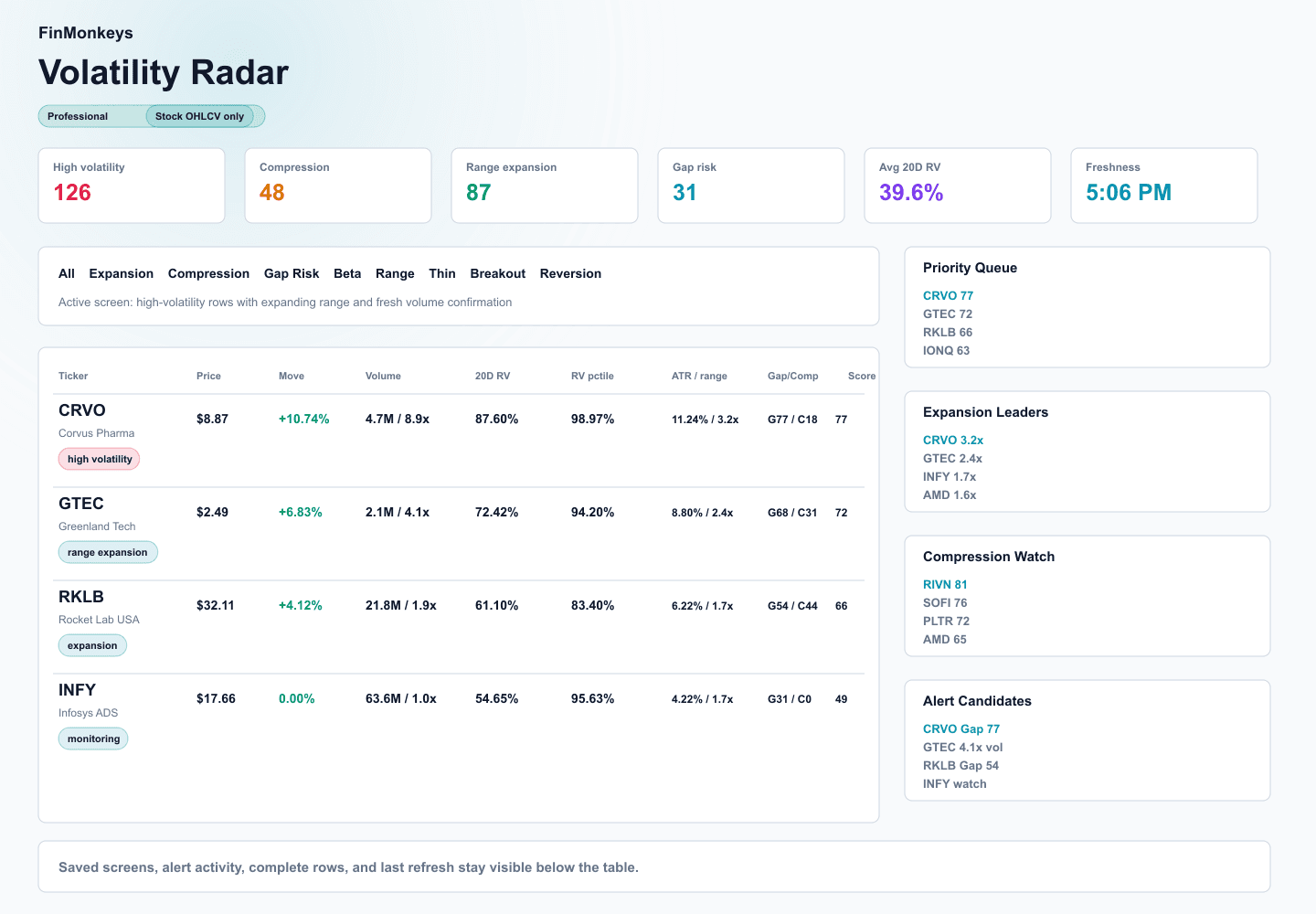
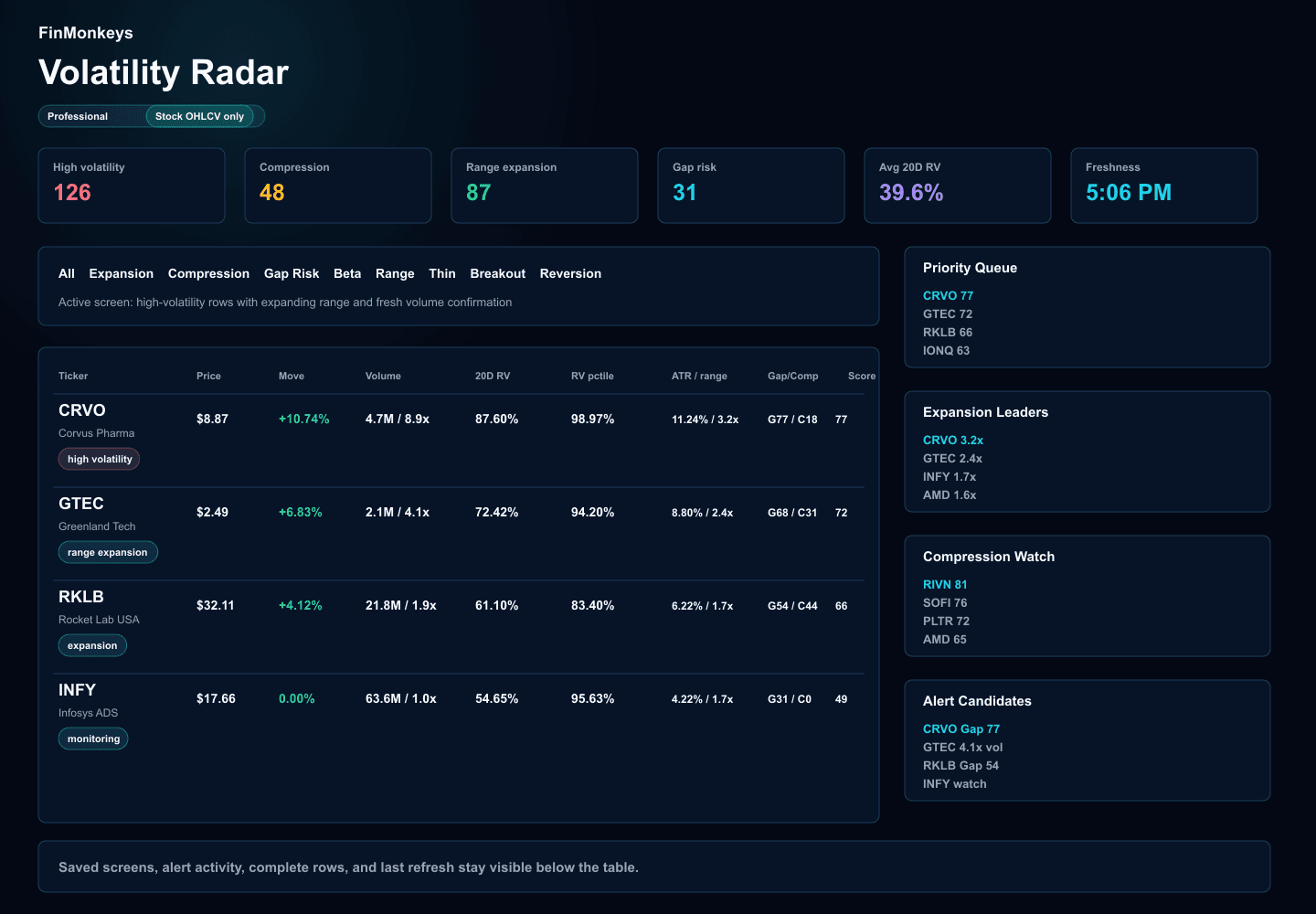
Track volatility expansion, compression, range risk, and unusual price movement across the equity universe.
Professional access required.
Expansion, compression, gap risk, beta and correlation, unusual range, low-liquidity volatility, breakout watch, and mean reversion watch.
A composite stock-data score with realized volatility, change, range, compression, volume, gap, and liquidity evidence.
Historical realized volatility translated into lower and upper stock-price bands from the current price.
A full rebuild after the close, plus lightweight price, move, volume, relative volume, and range checks during the session.
Volatility Radar turns stock candles, range, gaps, volume, liquidity, and historical realized volatility into a compact read on expansion, compression, risk, and monitoring urgency.
5D, 10D, 20D, and 60D realized volatility are ranked against each ticker's own history so acceleration does not get buried in a generic mover list.
Bollinger Band width percentile, Keltner/Bollinger squeeze state, 10D high-low range compression, and ATR percentile keep tight ranges together.
ATR as a percent of price, current range versus the 20D average range, gap frequency, average absolute gap, max recent gap, and post-gap behavior stay in the same review lane.
Relative volume, dollar volume, and volume trend confirm whether the move has participation behind it or needs more caution.
Dollar volume, price bucket, price-impact proxy, and thin-volume penalties help expose fragile names before a score becomes misleading.
Saved screens and threshold rules keep score crossings, compression, range expansion, gap risk, relative volume, and screen movement tied to a repeatable workflow.
Regime shifts
The page is built around what changed: realized volatility acceleration, range widening, compression release, gap behavior, volume confirmation, or liquidity stress.
Compression watch
Squeeze state, bandwidth percentile, ATR percentile, and 10D range compression keep coiled setups next to the evidence that would confirm expansion.
Risk context
Gap risk, dollar volume, price-impact proxy, freshness, and confidence labels remain visible so thin volatility does not look cleaner than it is.
Volatility Radar is not just a ranked table. It moves from condition, to evidence, to drawer review, to saved monitoring without losing the market context that made the row matter.
Expansion, compression, gap risk, unusual range, low-liquidity volatility, breakout watch, and mean reversion each open as a focused screen.
Radar score, realized volatility, percentile, ATR, range expansion, gap risk, volume confirmation, liquidity, and freshness stay sortable.
The detail drawer turns a rank into a volatility summary, expected move stack, chart context, why-this-ranks note, and what-changed memo.
Saved screens and alert rules keep the same filters, thresholds, and ticker movement tied to a repeatable monitoring workflow.
Start from expansion, compression, gap risk, unusual range, liquidity risk, breakout watch, mean reversion, or market-linked volatility.
Sort by radar score, realized volatility, percentile, range expansion, compression score, gap risk, volume, or freshness.
Review the charts, expected move bands, gap history, volume confirmation, data confidence, why-this-ranks, and what-changed notes.
Preserve a screen, arm a ticker or screen alert, review event history, and keep stale or partial data labels visible.
Top cards surface high-volatility names, compression setups, range expansion, gap risk, average realized volatility, freshness, and universe size. Row selection opens the ticker drawer.
Each ticker includes the volatility summary, realized volatility chart, ATR and range chart, compression and expansion timeline, gap history, volume confirmation, statistical expected move, confidence, why-this-ranks, and what-changed sections.
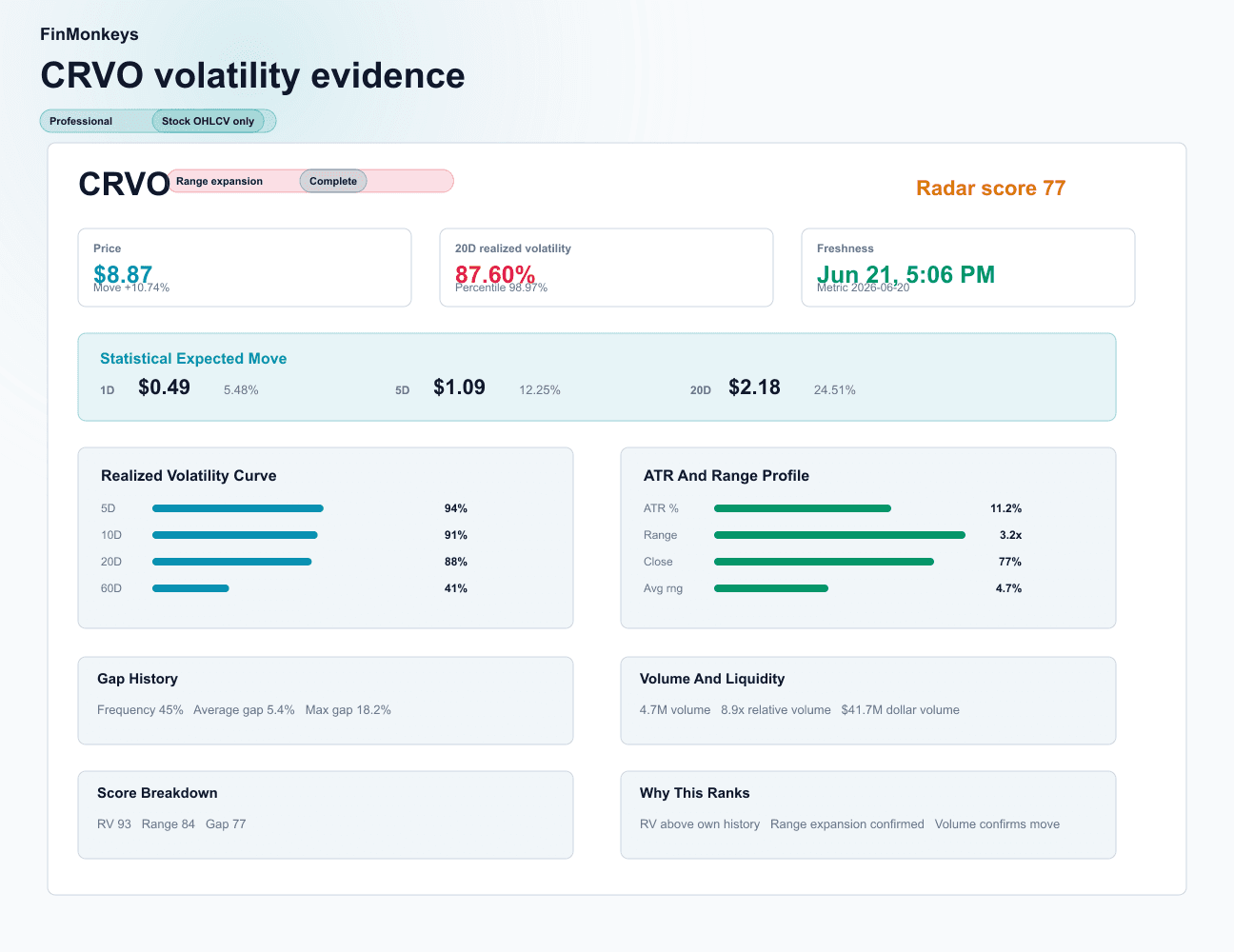
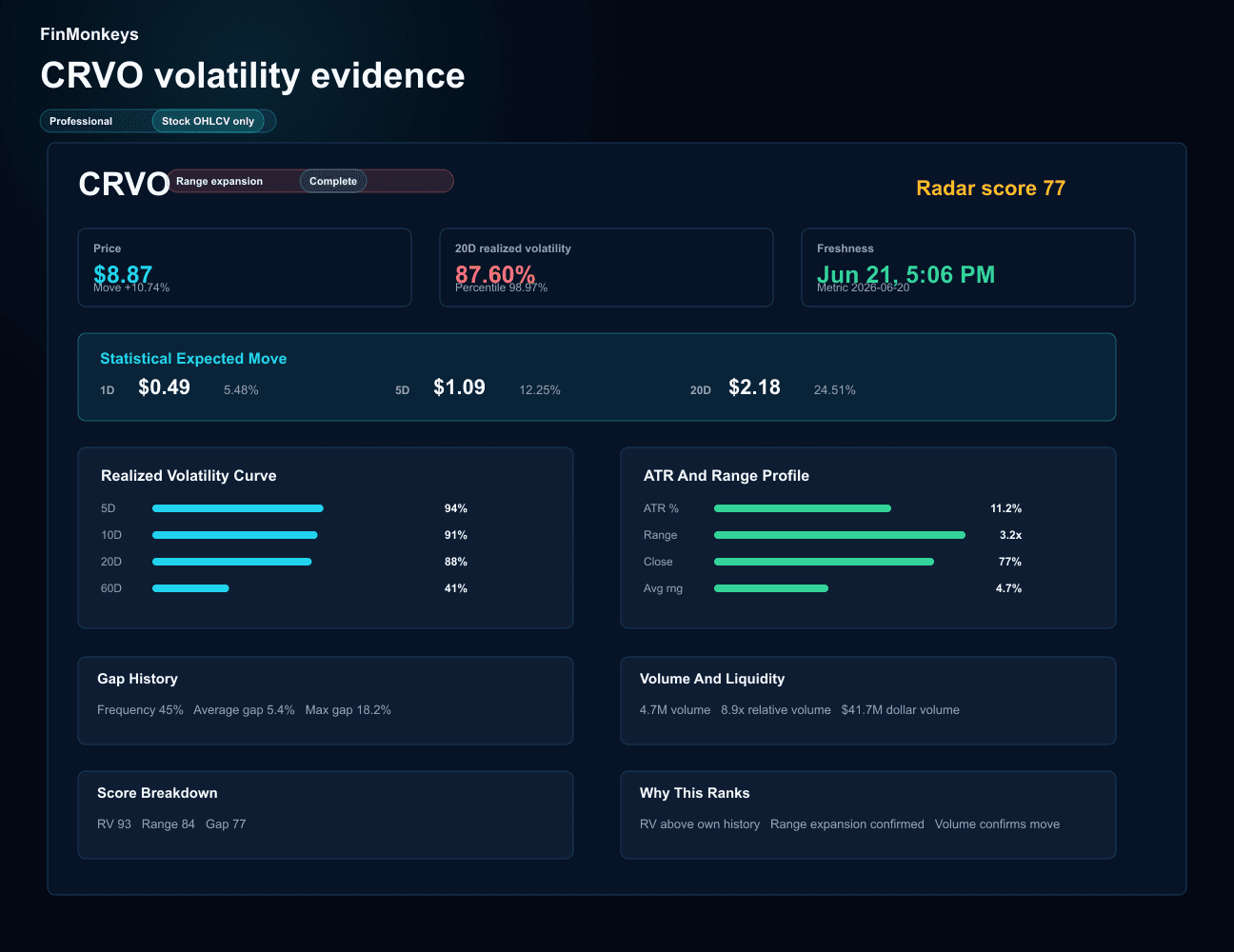
Screens preserve filters and sort order. Alerts can watch realized volatility, percentile, compression, range expansion, gap risk, relative volume, radar score, and ticker movement into or out of a saved screen.
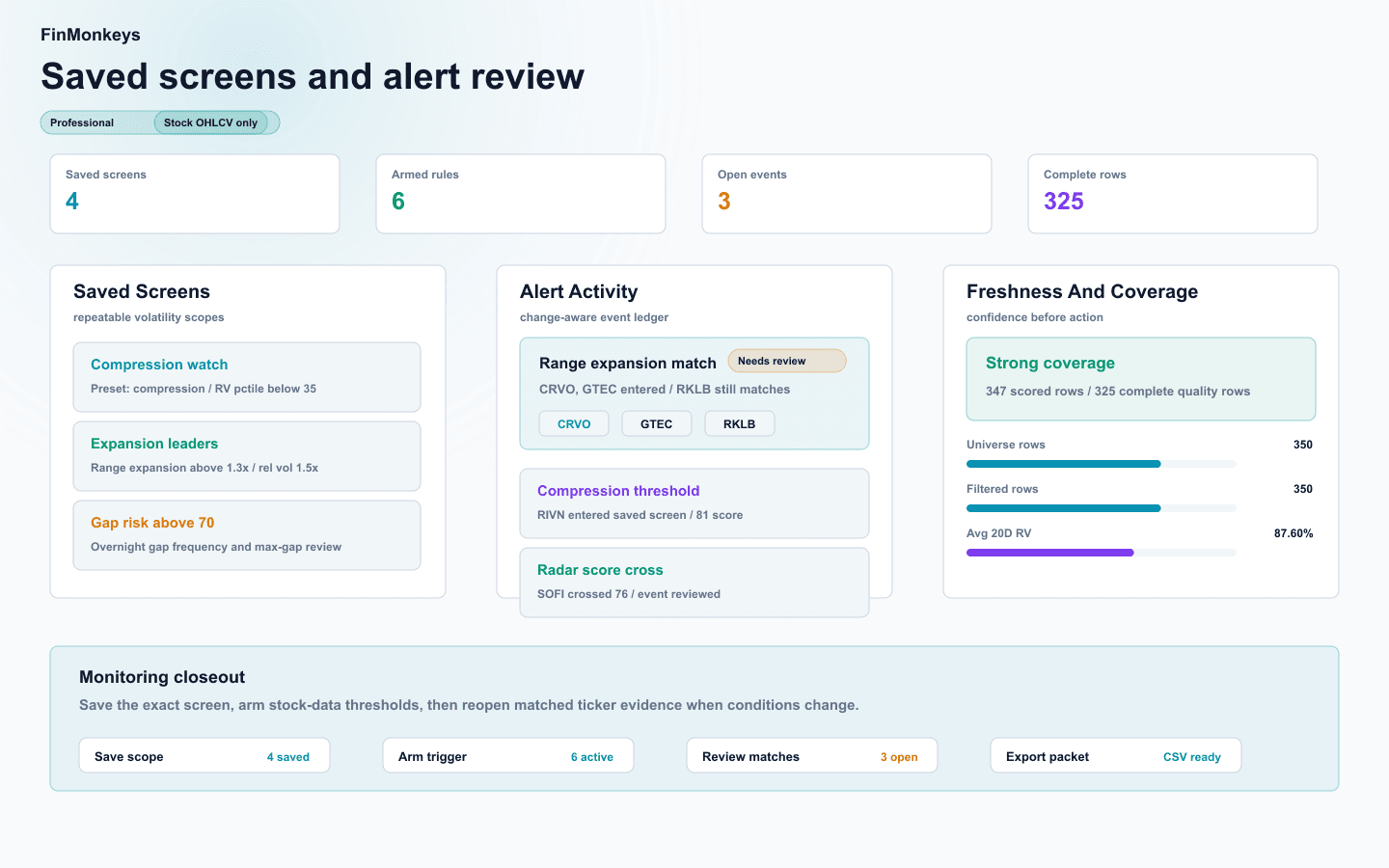
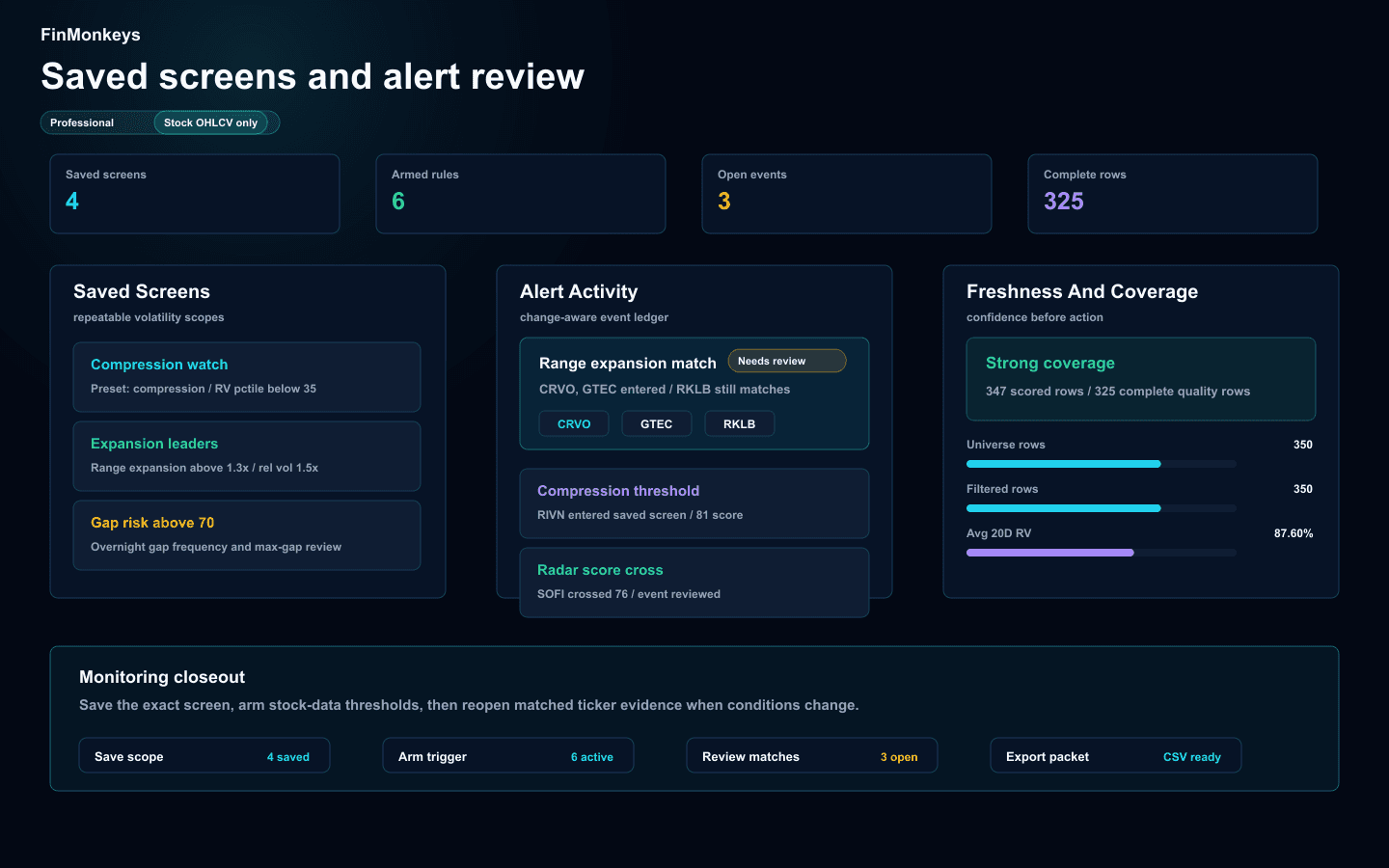
The composite score is intentionally decomposed before a ticker becomes action. Strong inputs and caution inputs remain visible beside the row, drawer, saved screen, and alert flow.
The value is not another market board. It is a compact loop for finding what changed, proving whether the signal is real, and preserving the exact condition before the market moves again.
Review queue
Stock data onlyLead score, strongest input, caution input, freshness, and row action stay visible before the drawer asks for a decision.
Action lane
Stock data onlyOpen, compare, save, arm, or hold decisions sit beside statistical expected move, gap history, volume confirmation, and liquidity context.
Monitoring memory
Stock data onlyA saved screen preserves preset, filters, sort order, and scope so alerts can watch the same volatility condition instead of a rebuilt guess.
For deeper scoring mechanics, alert behavior, data freshness, saved screens, and missing-candle handling, open the complete Volatility Radar FAQ.
Complete Volatility Radar FAQ
Data inputs, scoring, screens, drawer evidence, saved workflows, alerts, freshness, access, and risk boundaries are covered there.
Expansion, compression, range risk, gap risk, volume confirmation, liquidity risk, statistical expected move, saved screens, and alerts all stay tied to stock-market evidence.
Research library
Continue into comparisons, checklists, and guides that help verify recent news, filings, risks, and market context.