
IPO Radar
A professional IPO intelligence workspace for finding the next deal early, tracking the filings that change the story, and turning every watchlist name into a usable research file before the market has already moved on.
Create an account to unlock the workbench.
IPO research starts long before the bell rings.
The edge is the connected workflow: discover filings, monitor amendments, understand the security class, separate confirmed dates from developing pipeline names, and export a research pack when the deal becomes worth a closer look.
Find IPOs Before They Hit The Calendar
Surface filing-stage companies early, then carry them forward as dates, pricing, amendments, and listing details become actionable.
Separate Confirmed Dates From Pipeline Noise
Keep scheduled milestones clean while pipeline names remain visible where they belong, so users know what is confirmed and what is still developing.
Understand The Security Being Listed
Distinguish common shares, units, warrants, and pending symbol mappings so the watchlist reflects the actual deal structure.
Turn Amendments Into Research Signals
Bring changed terms, use-of-proceeds shifts, risk-factor movement, withdrawals, and pricing updates into the same research trail.
Keep Watchlists Attached To The Deal
Follow the names that matter and preserve filing, listing, lockup, research, and status flags beside the company itself.
Export The Work, Not Just The Table
Move dated milestones, pipeline rows, deal-room context, and watchlist notes into research packs for follow-up work.
The problem
IPO calendars miss the highest-value research window.
Most deals spend time in filings before a clean trading date exists. IPO Radar keeps filing-stage names visible without polluting the confirmed calendar.
The response
Pipeline, calendar, and deal room stay connected.
A name can move from filing-only to changed terms, scheduled, priced, listed, or watched without users rebuilding context across separate tools.
The payoff
Users know what changed and what deserves attention.
Action labels, confidence, date status, security class, deal size, filing changes, and watchlist state explain why a company is worth opening now.
Built for decisions, not just browsing.
IPO Radar is valuable when it shortens the path from "what is new?" to "what should I read, watch, ignore, export, or revisit before listing day?"
Catch active filing-stage companies before they receive dates.
The filing pipeline keeps ticker-pending, mapped, amended, effective, operating-company, SPAC, fund, and secondary-like rows organized instead of treating them as missing calendar data.
Understand whether the security and deal terms are investable.
Deal rooms separate ticker, base symbol, exchange, security class, proceeds, pricing, shares, float, underwriters, business context, and confidence signals.
See the amendments that can change the thesis.
Changed price ranges, shares, proceeds language, risk-factor movement, withdrawals, effectiveness, and date moves are surfaced as research signals.
Keep follow-up work attached to the company.
Watchlist flags, alert categories, notes, selected-date context, exports, and research packs turn a scan into an operating workflow.
Start With A Real IPO Command Center
The workbench is built for the messy part of IPO research: scheduled names, filing-stage companies, changed terms, watchlist state, and action labels live together so users can decide where to spend attention.
- Scheduled milestones and filing-stage companies share one research flow.
- Filters separate status, category, security type, deal size, confidence, and action priority.
- Freshness, mappings, pipeline mix, and date conflicts are visible before users rely on a view.
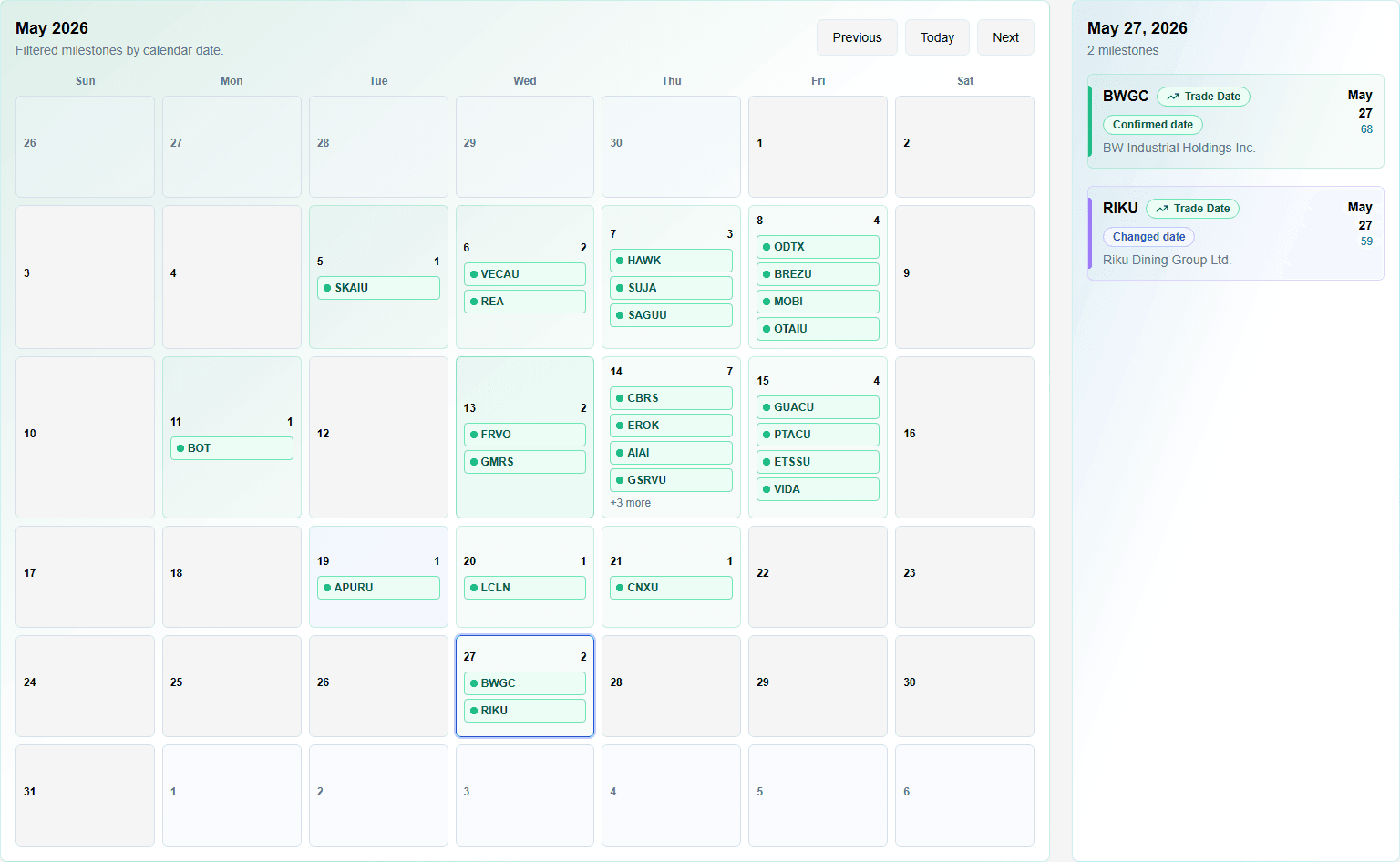
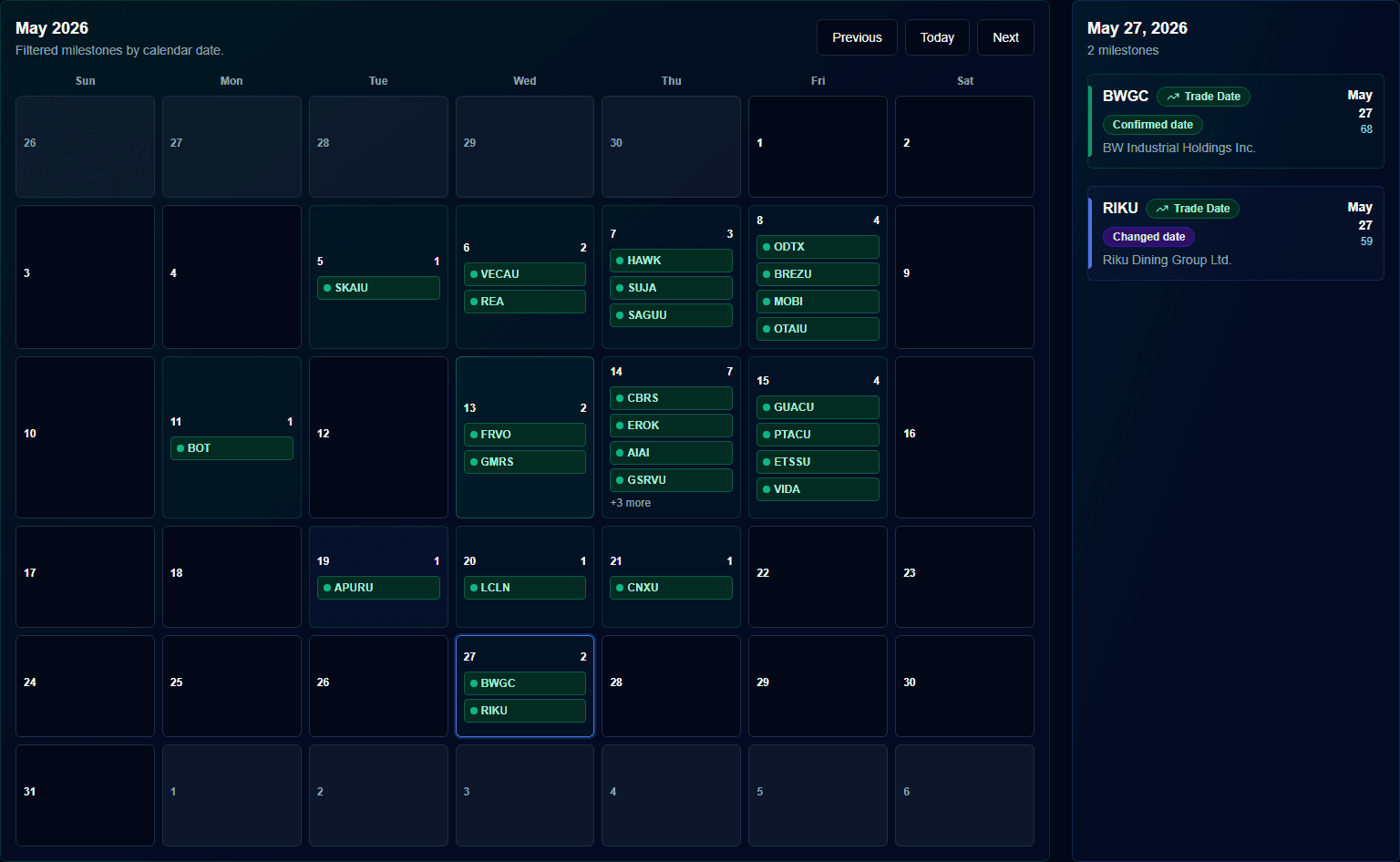
Use The Calendar For Confirmed Milestones
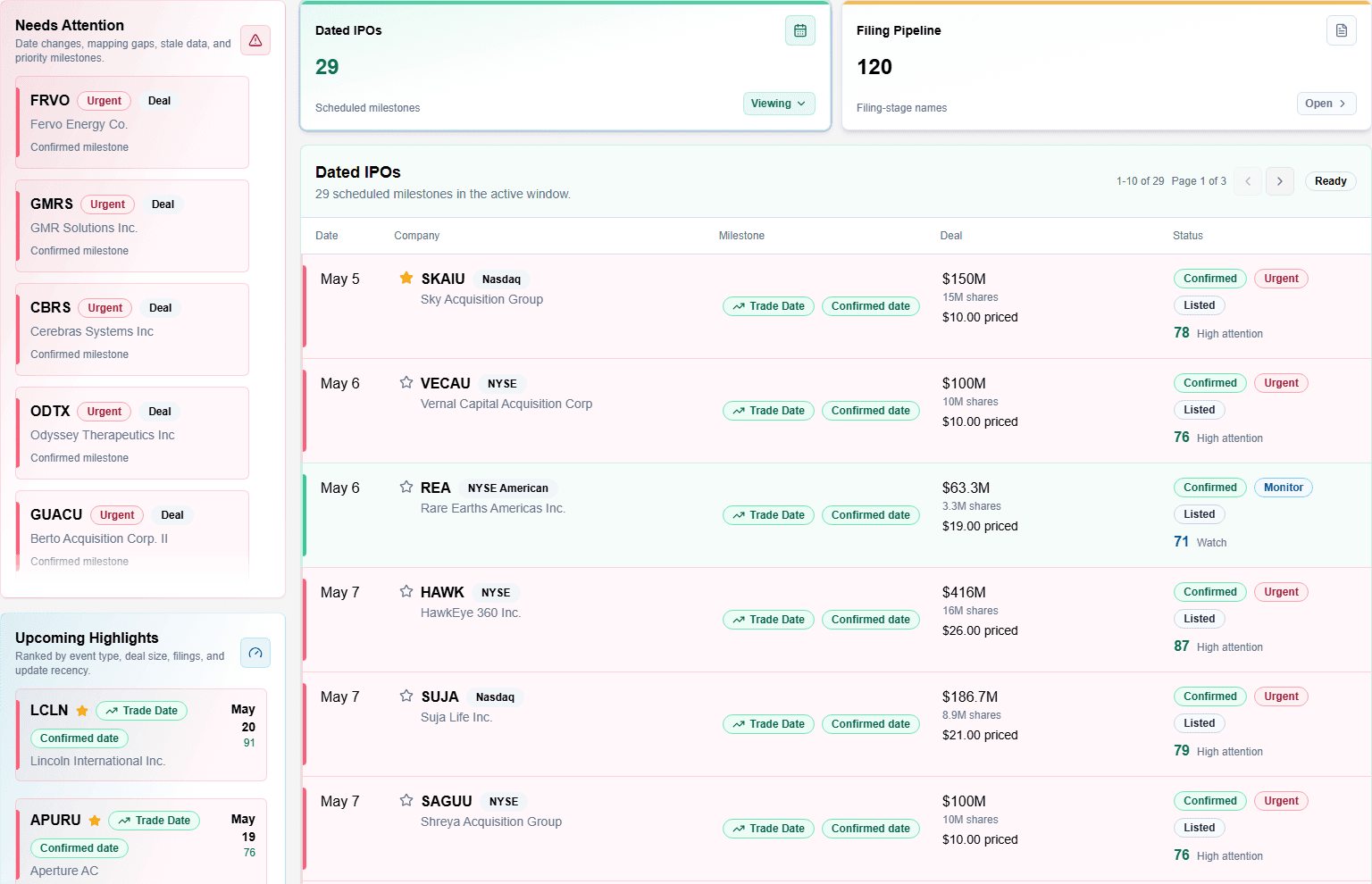
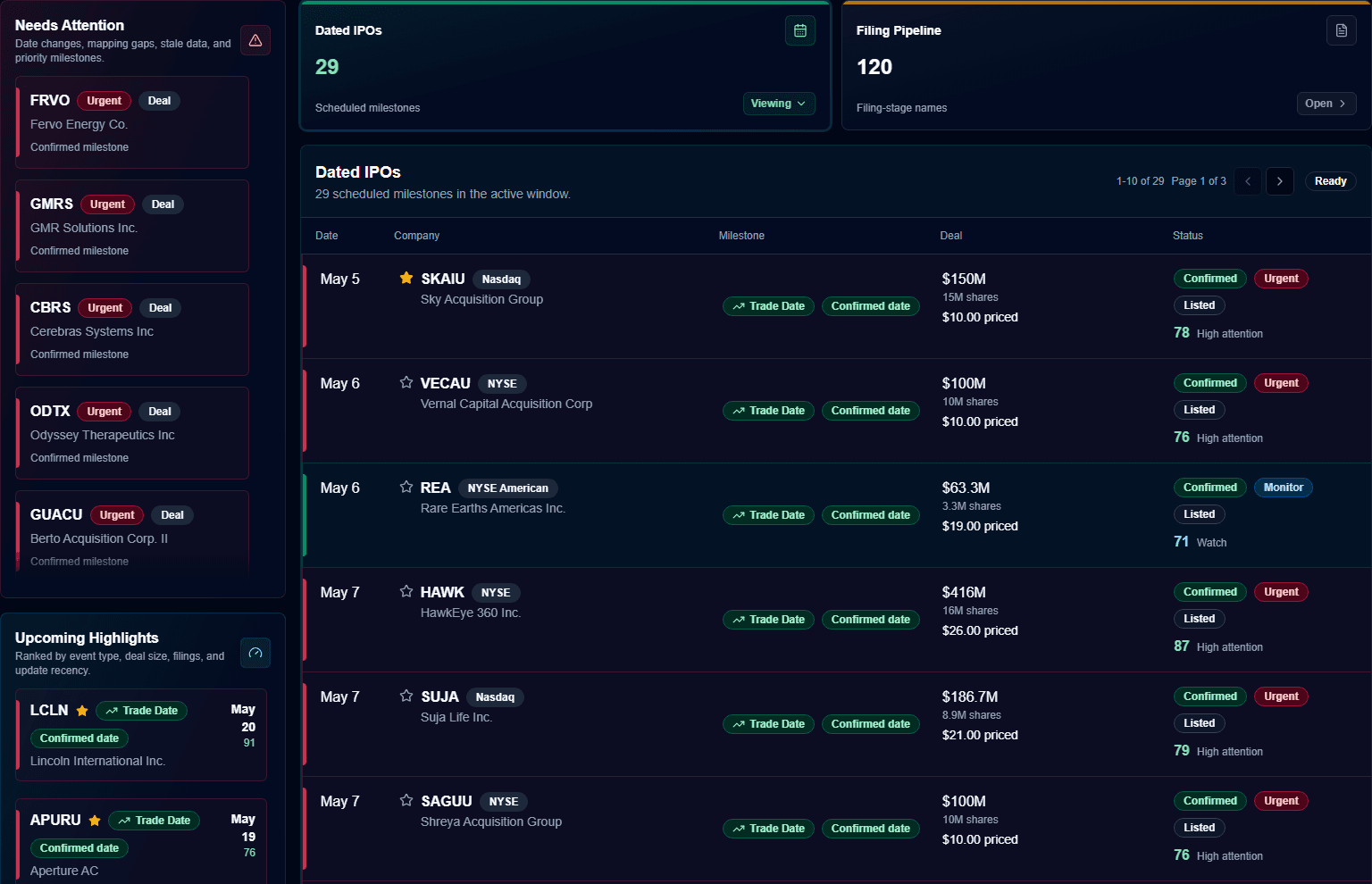
IPO Radar keeps confirmed calendar events clean and separates them from filing-stage names that still need monitoring. That makes the calendar easier to trust and the pipeline harder to miss.
- Month navigation makes loading and date selection explicit.
- Calendar entries stay focused on real scheduled milestones.
- Selected dates connect back to nearby deal context instead of forcing table hunting.
Keep Watchlists Ready For Follow-Up
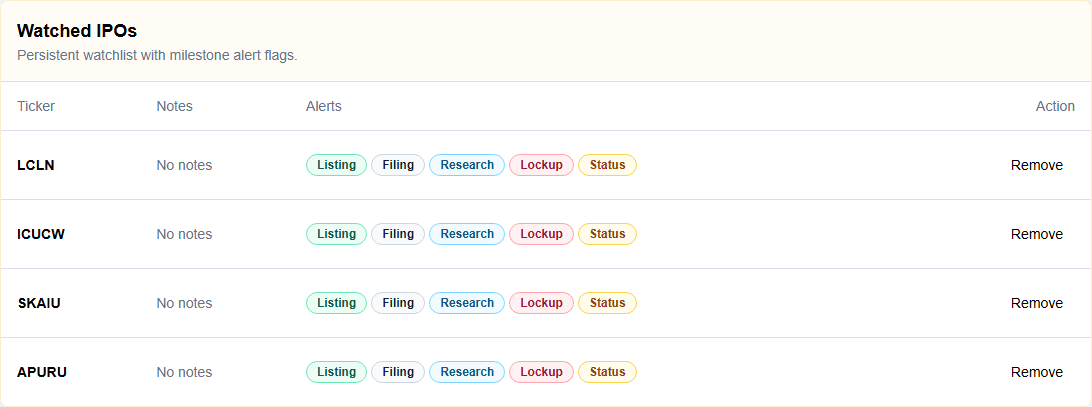
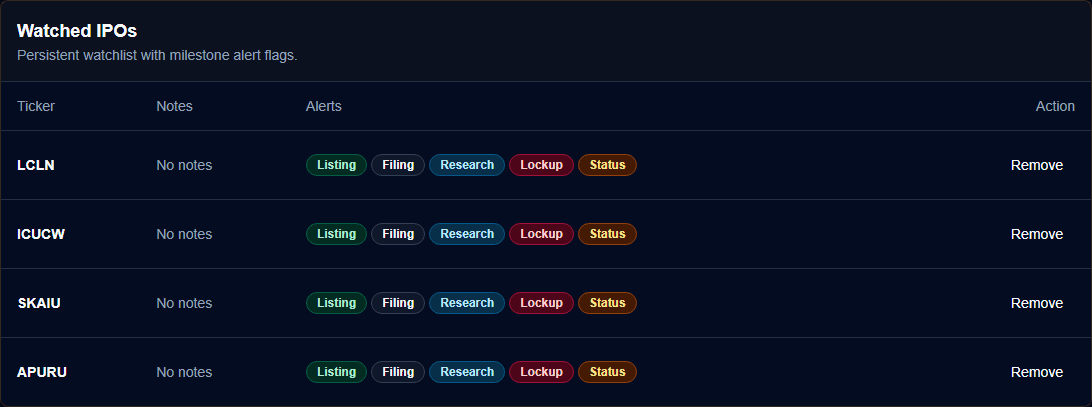
The watchlist is not just a saved-symbol table. It keeps IPO-specific alert categories, notes, and company access together so follow-up work stays attached to the deal.
- Watched IPOs remain clickable back into their deal rooms or pipeline rows.
- Alert categories make clear what the user wants to monitor for each company.
- Notes stay beside the ticker so research context survives between sessions.
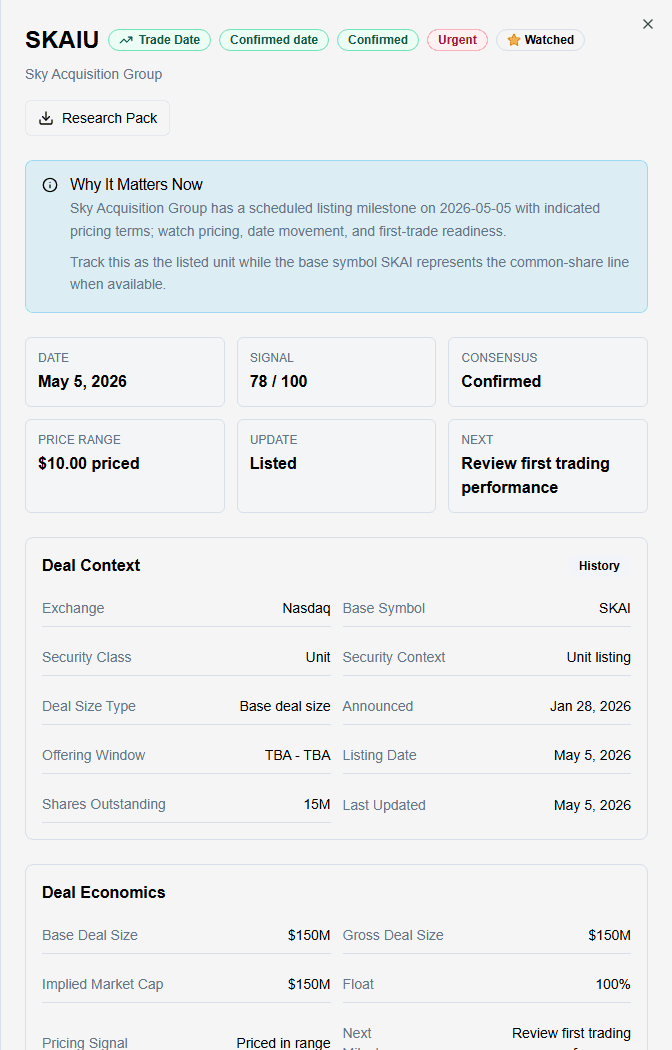
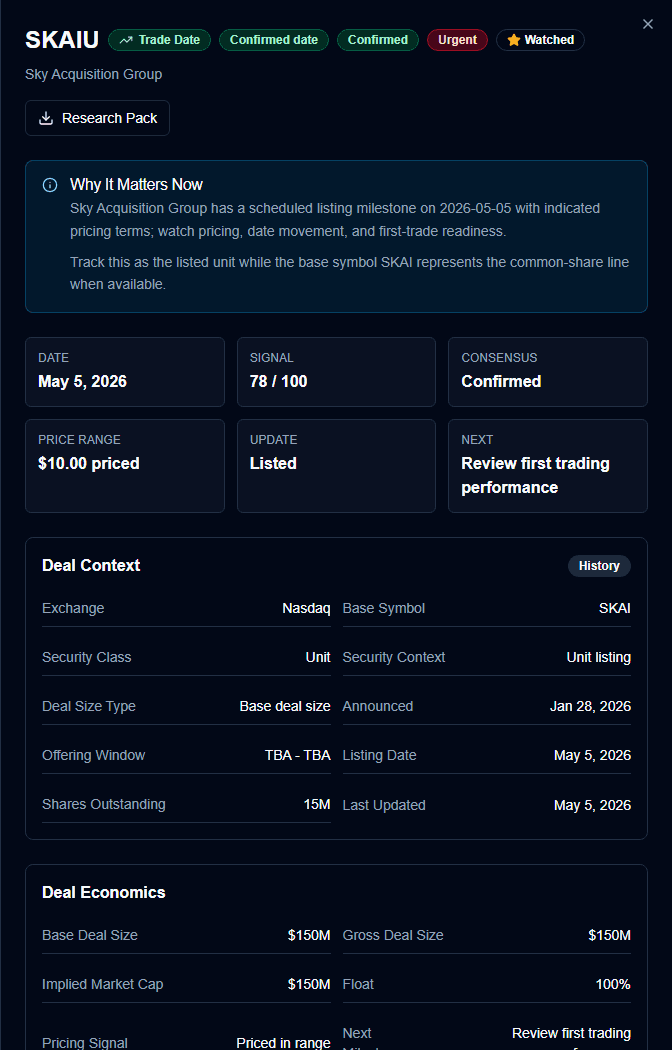
Open A Deal Room In One Click
Every IPO can become a compact research file: why it matters, confidence, pricing, proceeds, security class, filings, alerts, watchlist state, notes, and exportable context.
- A plain-English summary comes before dense fields.
- Deal context separates terms, timeline, economics, and watchlist controls.
- Research notes and alert flags stay attached to the company.
Why IPO teams keep it open
The value is not another place to check a date. It is a compact workflow for deciding which filings deserve attention, what changed, and what needs follow-up before the listing window closes.
"This turns filings, date changes, pricing, watchlist flags, and notes into one bench instead of scattered tabs."
IPO research workflow
Pipeline desk
"The deal-room trail shows what changed before we trust a calendar date, price range, or research export."
Due diligence workflow
Deal review
Built for paid IPO research, not a thin calendar lookup
What makes this more than an IPO calendar?
Why should a paid user keep it open?
Does it separate confirmed dates from pipeline names?
Can users export or preserve their research?
Built around the analyst loop: discover, qualify, monitor, act.
Spot the next deal worth reading
Start with a workbench that brings filings, changed terms, confirmed milestones, and priority names into one operating view.
Open the deal room
Move from ticker to thesis with company context, timeline, deal economics, confidence, watchlist controls, and notes.
Keep the research trail alive
Follow the company from filing-only to scheduled, priced, listed, withdrawn, or lockup events without rebuilding the research file.
Stop treating IPO research like a calendar lookup.
IPO Radar gives professional users a focused place to discover, qualify, monitor, and export IPO research without scattering filings, watchlists, amendments, deal terms, and calendar events across disconnected notes.
Research library
Stock research paths
Continue into comparisons, checklists, and guides that help verify recent news, filings, risks, and market context.